Home > Darb App Guide

The Darb App — Your Complete Hafilat Card Companion

Everything you need to check balance, recharge, track bus arrivals, and manage multiple cards from one place.

iOS & Android Free Download Official ITC App

What is the Darb App?

Darb is the official smart application by the Integrated Transport Centre (ITC) in Abu Dhabi. Designed to make public transportation effortless, it fully replaces the older Hafilat app. Whether you're a daily commuter or an occasional traveler, the Darb app is your ultimate digital companion for managing your Hafilat cards directly from your smartphone.

With Darb, you gain access to powerful tools like real-time balance checks, secure online recharges, comprehensive trip planning, live bus arrival times, and customizable low-balance alerts. It brings the convenience of a transport service center directly to the palm of your hand.
Download on App Store Get it on Google Play

How to Download & Setup Darb

1

Download the App

Search for "Darb" on the Apple App Store or Google Play Store, and install the official app published by ITC.

2

Create an Account

Open the app and sign up using your email address or a valid UAE mobile number.

3

Verify Details

Enter the OTP sent to your email or phone to verify your account and log in securely.

4

Add Your Card

Navigate to "My Cards," select "Add Card," and input the serial number located on the back of your Hafilat card.

5

View Balance

Once added, your current balance and card status will appear instantly on the dashboard.

App Features at a Glance

💰

Balance Check

View your exact Hafilat card balance instantly at any time.

💳

In-App Recharge

Top up your card balance securely using your preferred credit or debit card.

🕒

Transaction History

Track your recent trips, top-ups, and expenditures with full transparency.

🚌

Live Bus Arrivals

Check real-time bus locations and accurate arrival estimates.

🔔

Low-Balance Notifications

Never run out of credit unexpectedly with custom balance alerts.

🗂️

Multi-Card Management

Easily manage cards for yourself, family members, or friends all in one account.

Check Your Balance in the App

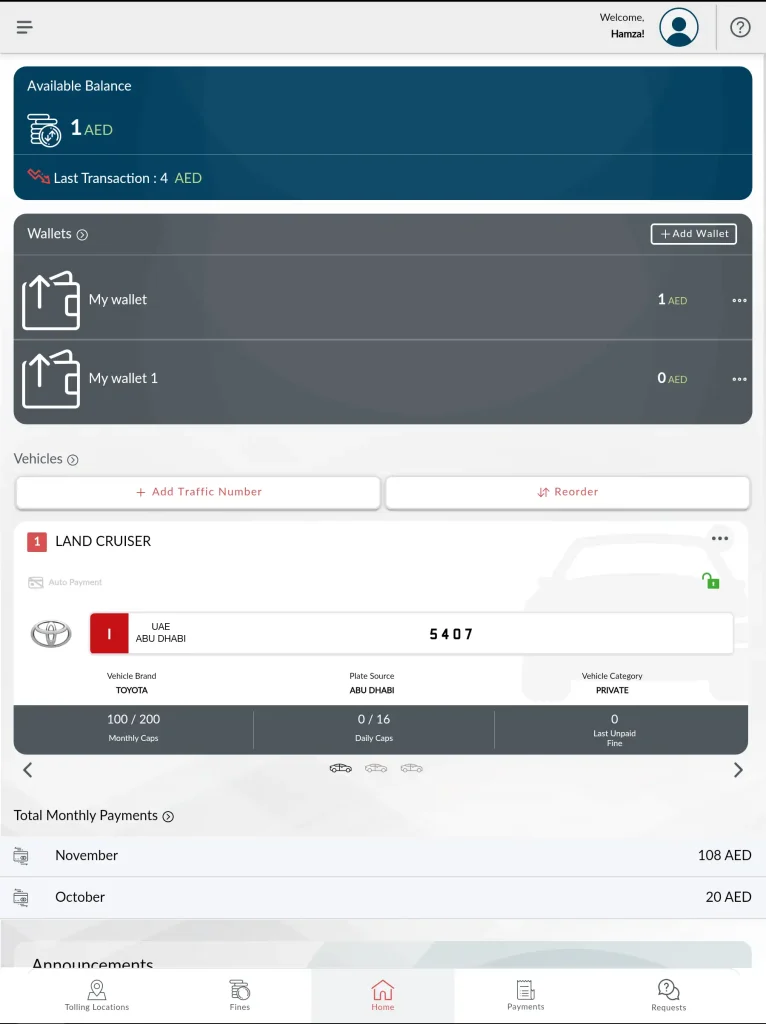
Keeping track of your funds is simple. Once your card is added, the balance displays prominently under the My Cards section on the home screen.

Note on Pending Credit: If you recently topped up via the app, the transaction might show as "Pending". To complete the sync, simply tap your card on the validator machine when you board your next bus.

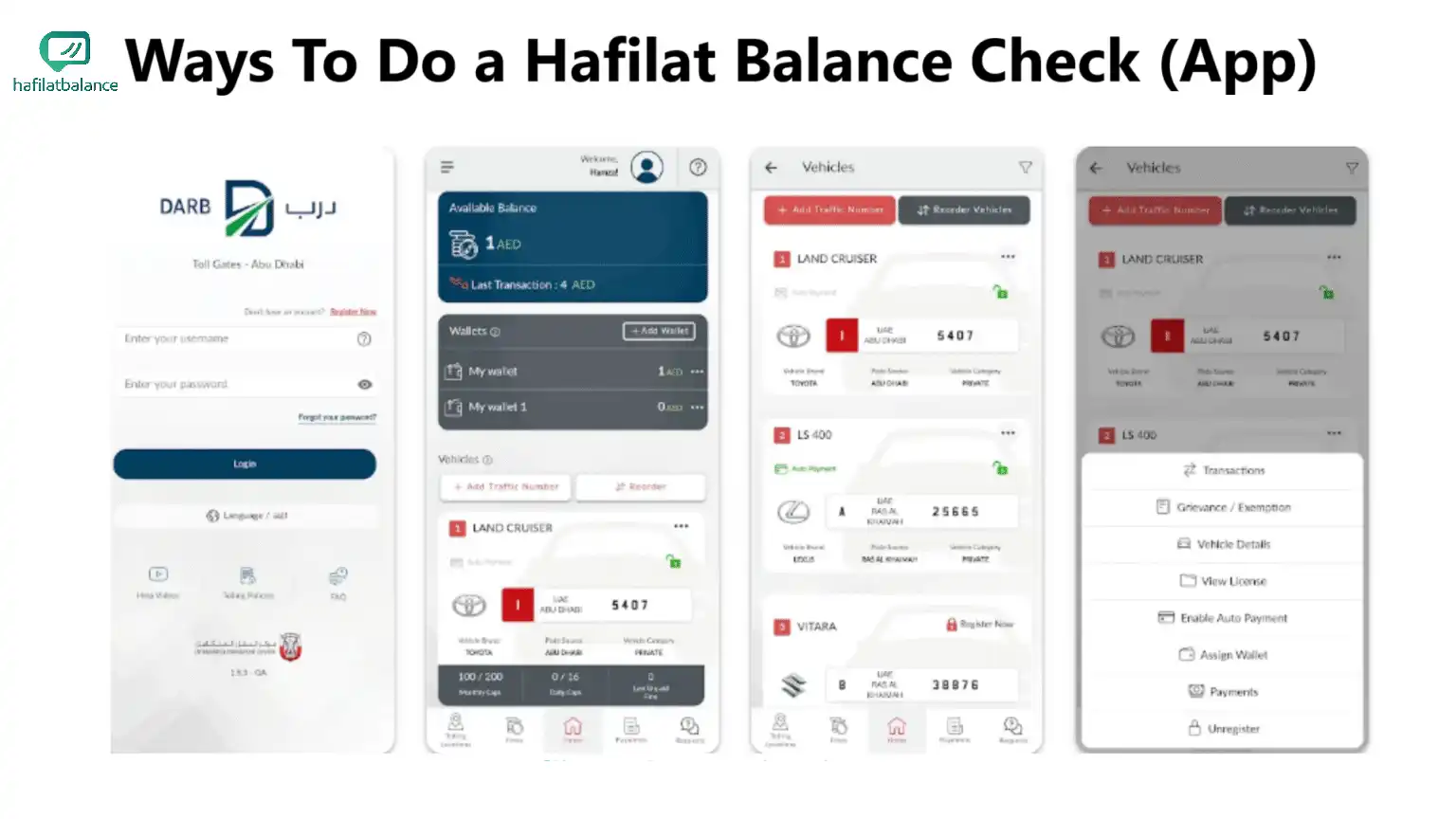
Step-by-step Hafilat balance check in Darb App

Recharge Directly from Your Phone

Forget queuing at machines. Darb lets you add credit from anywhere.

  • Open the app and select your card under My Cards.
  • Tap Recharge / Top Up.
  • Select a preset amount or enter a custom figure.
  • Pay securely using accepted credit or debit cards.
Recharge your Hafilat card directly from the Darb app screen

Live Bus Arrivals & Trip Planning

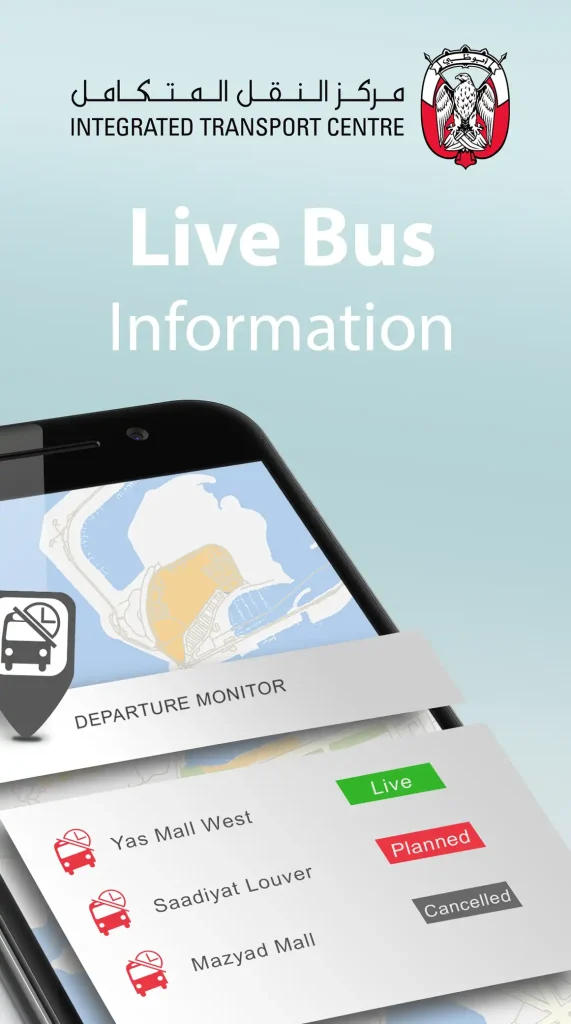
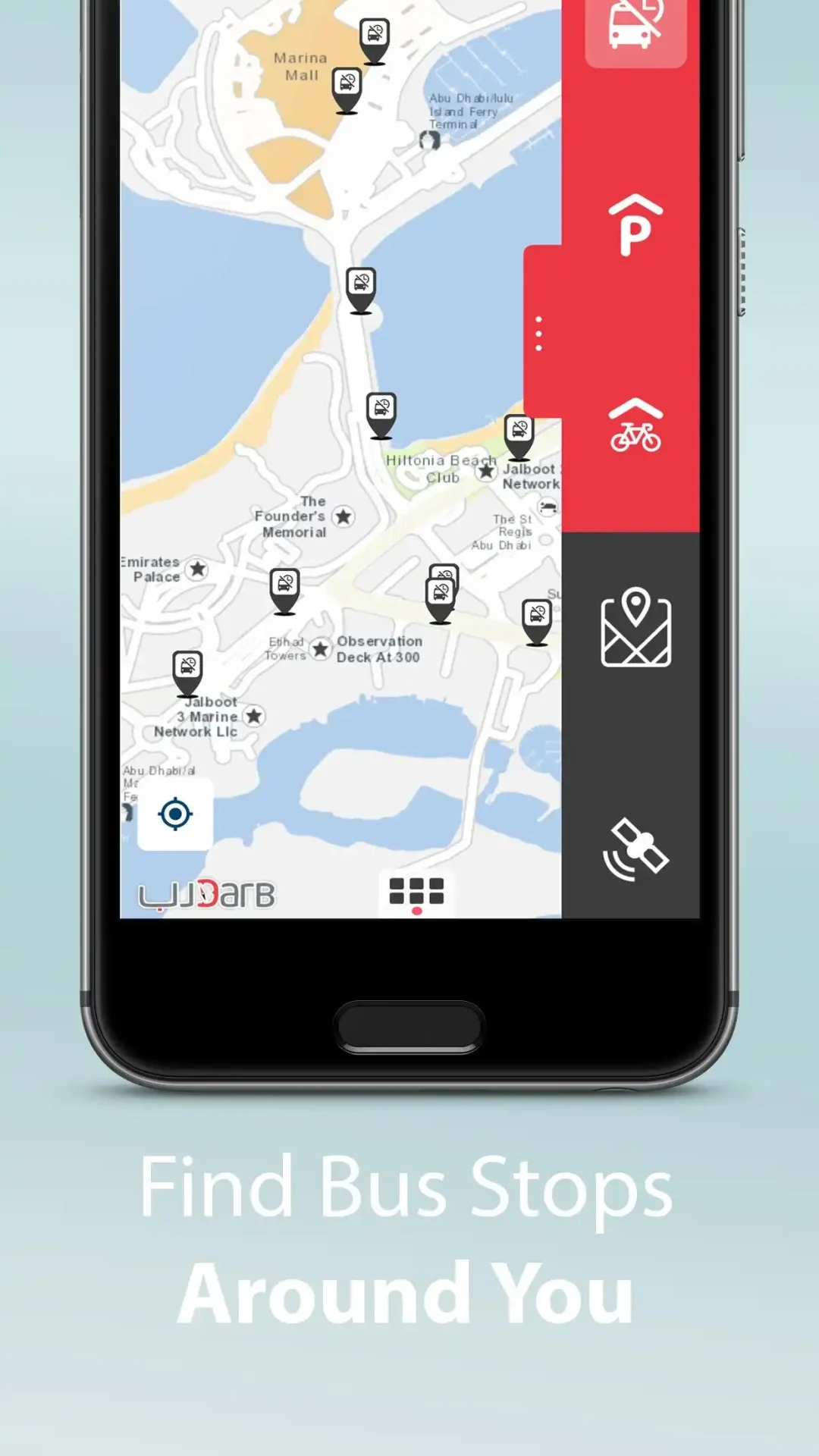
The Darb app is more than a wallet—it's a comprehensive transit planner. Discover routes, view live bus arrival times, and navigate the city with ease.

Live bus arrivals in Darb App
Darb app screen showing live Abu Dhabi bus arrivals

Compare Methods

Method Balance Check Recharge Pending Sync Required?
Darb App Yes Yes Yes (Tap Validator)
Official Website Yes Yes Yes (Tap Validator)
Recharge Machine Yes Yes No (Instant)
Bus Validator Yes No N/A

Troubleshooting

App Won't Install

Ensure your device runs on iOS 14+ or Android 8+. Check your available storage space.

Card Not Found

Double-check the serial number you entered. Be careful not to confuse the number '0' with the letter 'O'.

Recharge Still Pending

Online top-ups stay pending until you physically tap the card on a bus validator machine.

Account Locked

Use the "Forgot Password" link to reset your credentials, or reach out to ITC support if the issue persists.

More Hafilat Guides

Explore our other resources to make the most of your Hafilat card experience.

Frequently Asked Questions